CustomGPT to Skills & Plugins Workshop
Your Custom GPTs are going away. I’ll show you what to do with them.
OpenAI has started rolling out its GPT → Plugin migration experience.
I’ll show you how to use it, what actually transfers, what doesn’t, and how Skills + Plugins replace the Custom GPTs you’ve already built.
You are not starting over.
Bring one of your GPTs and follow along with me.
CustomGPT to Skills & Plugins Workshop
Your Custom GPTs are going away. I’ll show you what to do with them.
OpenAI has started rolling out its GPT → Plugin migration experience.
I’ll show you how to use it, what actually transfers, what doesn’t, and how Skills + Plugins replace the Custom GPTs you’ve already built.
You are not starting over.
Bring one of your GPTs and follow along with me.
Free for AI Content School members.
CustomGPT to Skills & Plugins Workshop
Live 90-minute workshop. Replay included.
Your Custom GPTs are going away. I’ll show you what to do with them.
OpenAI has started rolling out its GPT → Plugin migration experience. I’ll show you how to use it, what actually transfers, what doesn’t, and how Skills + Plugins replace the Custom GPTs you’ve already built.
You are not starting over.
Bring one of your GPTs and follow along with me. No coding required for the basic migration. Beginner-friendly. Replay included.
CustomGPT to Skills & Plugins Workshop
Live 90-minute workshop. Replay included.
In 90 Minutes, You’ll Know What To Do With Your GPTs
You do not need to spend the next few weeks piecing this together from announcements, help articles, and random videos.
I’ll walk you through it.
- ✓Which GPTs to migrate first
- ✓How the migration process works
- ✓Where your instructions go
- ✓Where your knowledge files go
- ✓What a Skill actually is
- ✓What a Plugin actually is
- ✓What does not move automatically
- ✓How to test the replacement
Bring a GPT. Leave knowing how to move it forward.
Custom GPTs Are Going Away.
So what happens to everything you built?
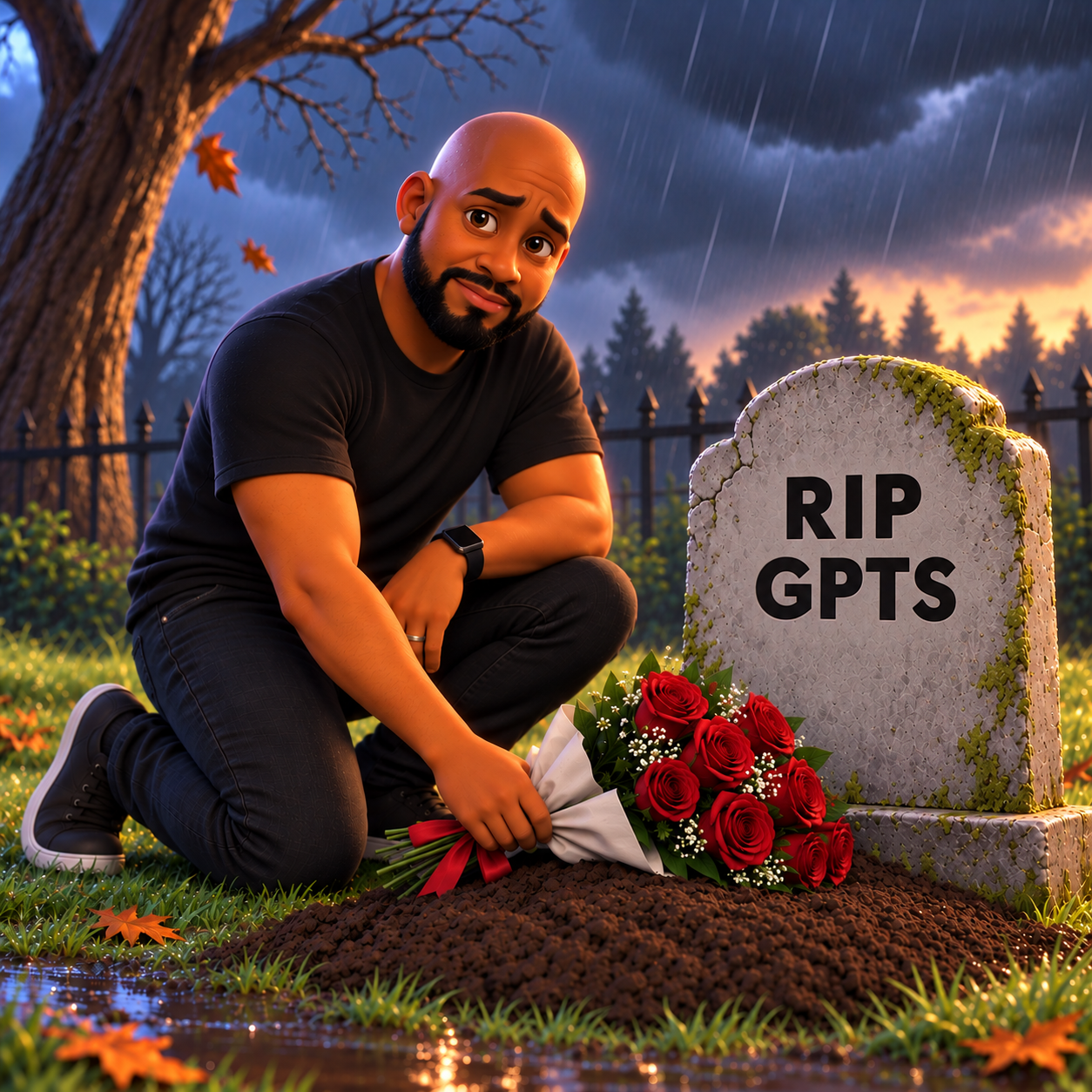
OpenAI is moving Custom GPT workflows into a system built around Plugins, Skills, reference files, and connected apps.
If you created GPTs for your business, clients, content, products, research, or everyday work, you probably have useful instructions and files sitting inside them.
The good news: a lot of that work can move forward with you.
But clicking “Migrate” is not the whole job.
Good. You’re Not Starting Over.
Your GPT already contains the hardest part: what you wanted the AI to know and how you wanted it to behave.
The new system organizes those pieces differently.
Some things need extra attention.
Custom Actions do not automatically transfer. Old GPT conversations do not migrate. Sharing settings also need to be set up again.
I’ll show you what to check before you rely on the replacement.
This Isn’t Just A “Click Migrate” Class
Migrating the GPT is step one. You also need to understand what you’re migrating to. I’m going to teach you the new system in plain English.
Plugin
The container that brings your Skills, files, and connected apps together.
Skill
Reusable instructions that tell ChatGPT how to handle a specific job.
Reference Files
The information your Skill can use while doing that job.
Apps
Services and data your Plugin can connect to.
You do not need to become a developer. You just need to understand how the pieces fit together.
Your GPT Is Changing Shape
Custom GPT
- ✓Instructions
- ✓Knowledge
- ✓Tools
- ✓Actions
Plugin
- ✓Skills
- ✓Reference Files
- ✓Apps
If your GPT uses Custom Actions, those connections may need to be rebuilt separately.
Watch Me Migrate One From Start To Finish
I’m not going to spend 90 minutes talking over slides.
I’ll open a real Custom GPT and walk through the process.
- 01Open the migration tool
- 02Move the GPT into a Plugin
- 03Find the new Skill
- 04Check the transferred files
- 05Review what did not move
- 06Edit the Skill
- 07Test the Plugin
So when it is your turn, you already know where to click and what to check.
There Are Two Things You Need To Learn
Migrate What You Already Built
You may already have GPTs you spent hours creating. I’ll show you how to preserve the useful parts and move them into the new system.
Build The New Way Going Forward
Once you understand Skills and Plugins, you can stop building around a system that is being retired. For new projects, you’ll know how to start with the new structure.
Is This Workshop For You?
- ✓You created one or more Custom GPTs
- ✓You have GPTs you actually use
- ✓You built GPTs for clients or customers
- ✓Your GPTs contain instructions or files you do not want to lose
- ✓Skills, Plugins, Apps, and MCP are starting to blur together
- ✓You want someone to simply show you what changed
- ✓You would rather follow along than figure this out alone
Never built a Skill before?
Perfectly fine. I’m teaching this from the beginning.
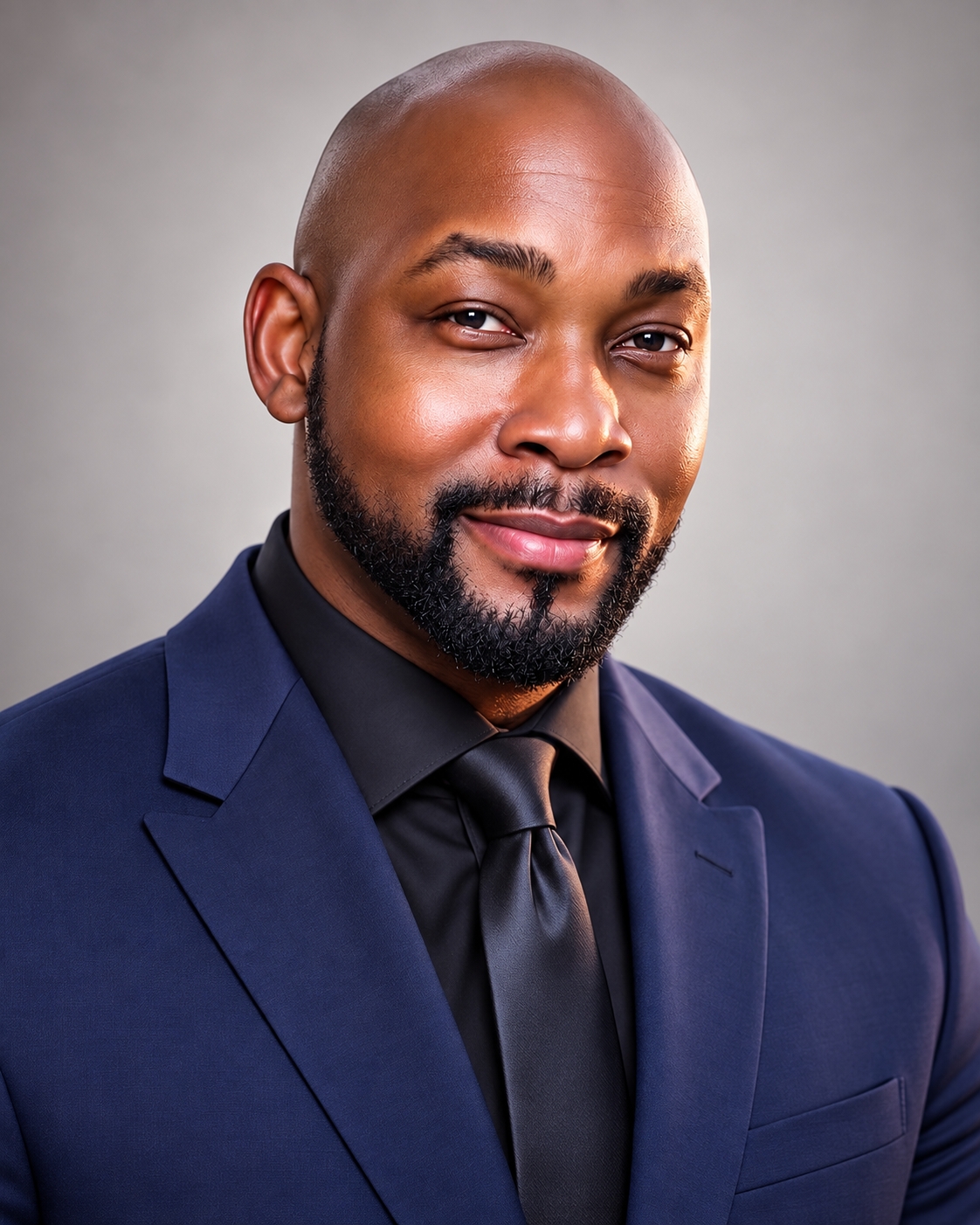
Hi, I’m Mike Wayne.
When OpenAI announced that Custom GPTs were being retired, my first question was simple:
“What happens to everything we already built?”
That’s what this workshop is about. I’ll show you how the migration works, explain Skills and Plugins without making this more technical than it needs to be, and help you understand what to do with your GPTs next.
If you can use ChatGPT, you can follow this class. I got you.
Move Your GPTs Before You’re Forced To Rush
Custom GPTs are currently scheduled to retire on December 11, 2026.
You have time.
That does not mean you should wait until the last week to figure out what needs to move. Come spend 90 minutes with me and get clear on the new system now.
CustomGPT to Skills & Plugins Workshop
Live 90-minute workshop. Replay included.
Want Some Skills You Can Take Apart And Learn From Too?
Add the Skills Starter Pack
Sometimes the easiest way to understand this stuff is to see a working example. The Starter Pack gives you Skills, templates, and examples you can open, study, customize, and use as a starting point.
Skills Starter Pack — $50
Optional add-on- ✓Ready-made Skill examples
- ✓Skill templates
- ✓Creation prompts
- ✓Migration framework
- ✓Packaging ideas
- ✓Examples of how Skills are structured
Build Your First AI Skill With Me
CustomGPT to Skills & Plugins Workshop
Live class + replay
- Live 90-minute class
- GPT migration walkthrough
- Skills training
- Plugins training
- Migration checklist
- Replay
AI Content School
Workshop included. Plus the other AI Content School classes, workshops, resources, and training included with your membership.
- This workshop included
- Other AI Content School classes
- Workshops & resources
- Ongoing training
- Workshop replay library
- Community access
You’re Covered.
If this workshop is included with your current membership, there is nothing else to buy. Check the community for your workshop details.
Member loginLive on Zoom · 90 minutes · Lifetime replay included